
1.6 KiB
1.6 KiB
dolphin-selerificator
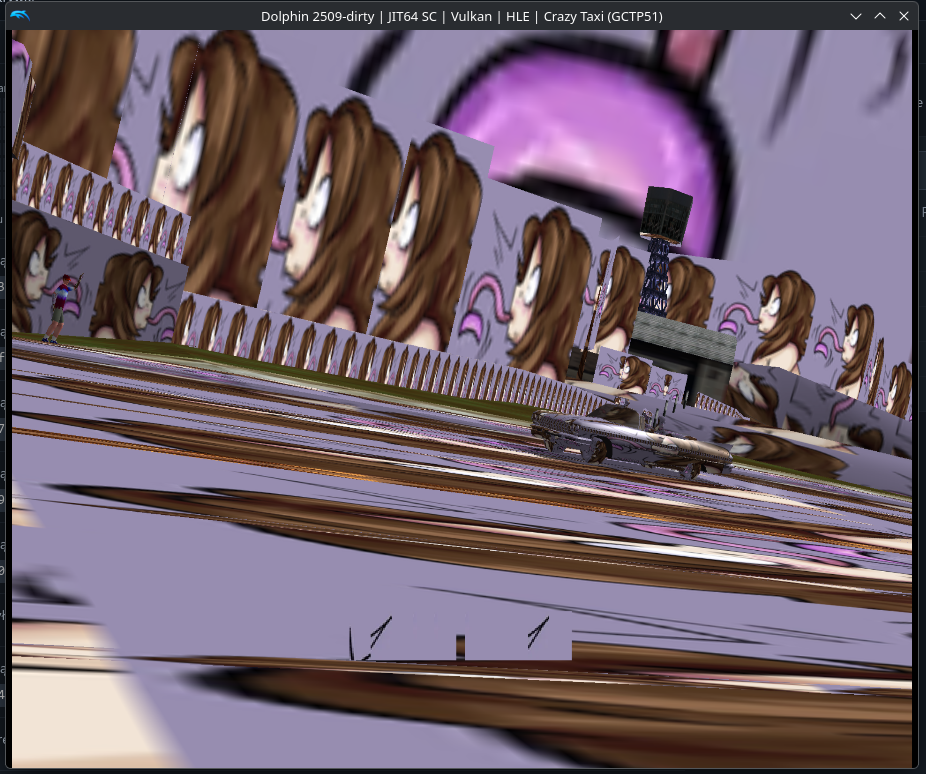
make your gamecube/wii games 69x better
what do i need
- node.js
- dolphin emulator
- a wii/gamecube game
- alcohol
how 2 use
- clone this stupid repository
- go to your graphics settings -> advanced and enable texture dumping
- play the game you want to Enhance a bit
- it may lag because you're dumping textures
- also the longer you play the more your game will be Enhanced
- once you're done with your play session go to the repo folder, open a terminal/command prompt and run
npm i - now go ahead end edit the config.json file.
- if you haven't done it already, set the
dolphinFoldervariable to wherever your dolphin data is (if you don't know where then open dolphin and go to file -> open user folder) - set the
gamevariable to the game id, it's the shorter string when previewing the game's properties in dolphin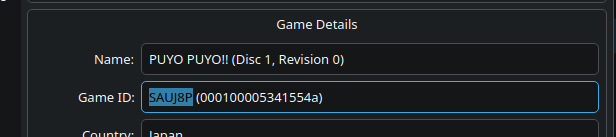
- set
flipHorizontalandrotateUpsideDownhowever you need (if unsure, either check the Dump folder or just disable these and see what happens)
- if you haven't done it already, set the
- run the script:
node . - wait until the script exits
- now in dolphin go to graphics settings, advanced and disable texture dumping, then enable "load custom textures" under the utility section
- start the game and Enjoy
my game isn't 100% selerified!!!!1111
yeah, that's to be expected, because of how dolphin texture dumping works...
only the textures you actually saw during your play session with it enabled will be dumped, nothing i can do about it :(